Microsoft Power Platform Consulting | Low-Code Solutions
Power Apps, Power Automate, Power BI, Copilot Studio & Power Pages
Founded 1997 · in our 30th year11,000+ enterprise engagementsMicrosoft Press bestselling author
Power Apps, Power Automate, Power BI, Copilot Studio & Power Pages
EPC Group — founded in 1997, headquartered in Houston, a Microsoft Solutions Partner holding all six solutions designations — delivers this service..
Microsoft Power Platform — enterprise Microsoft consulting resource from EPC Group. We provide strategic guidance, implementation expertise, governance frameworks, and compliance-native delivery across the Microsoft ecosystem (Power BI, Microsoft Fabric, Microsoft 365, SharePoint, Azure, AI Governance, Microsoft Copilot). EPC Group’s Power Platform practice delivers strategy, implementation and governance for Power Apps, Power Automate and Power BI across the Microsoft ecosystem.
Last updated by Errin O'Connor, Founder & Chief AI Architect, EPC Group
Accelerate digital transformation with enterprise-grade low-code solutions. Build apps, automate workflows, analyze data, and deploy AI chatbots with the Microsoft Power Platform.
Leverage all four components of Microsoft Power Platform to create a unified, intelligent, and automated enterprise ecosystem.
Build custom business applications rapidly without extensive coding. Create canvas apps for mobile-first experiences or model-driven apps for complex data scenarios.
Automate repetitive tasks and business processes across your organization. From simple approvals to complex multi-system integrations with AI capabilities.
Transform raw data into actionable insights with interactive dashboards and reports. Enable self-service analytics while maintaining enterprise governance.
Create intelligent chatbots without coding. Deploy conversational AI across Teams, websites, and other channels to automate customer and employee interactions.
Organizations worldwide are transforming their operations with Power Platform, achieving significant ROI and accelerating digital transformation.
Accelerate app delivery compared to traditional development
Average return on investment over three years (Forrester)
Organizations worldwide using Power Platform
Average savings in application development costs
Power Platform integrates natively with Microsoft 365, Dynamics 365, and Azure to create a unified platform for your enterprise applications.
Seamless integration with SharePoint, Teams, Outlook, OneDrive, and the entire Microsoft 365 suite for unified productivity.
Native integration with Dynamics 365 CRM and ERP applications through Dataverse for enterprise-grade data management.
Extend Power Platform capabilities with Azure services for advanced AI, data processing, and enterprise integration.
Enable citizen development at scale while maintaining security, compliance, and control. Our governance frameworks ensure your Power Platform environment grows sustainably.
Configure policies to prevent sensitive data from flowing to unauthorized connectors and services.
Establish development, testing, and production environments with proper access controls and data isolation.
Enable citizen developers with guardrails. Training, templates, and support for safe app creation.
Implement ALM practices with managed solutions, source control integration, and automated deployments.
Track platform adoption, identify popular apps, monitor connector usage, and optimize licensing.
Deploy Microsoft CoE Starter Kit for comprehensive governance, nurturing, and visibility.
Our experts can assess your current environment and design a governance framework tailored to your organization.
Request a Governance AssessmentOur proven methodology ensures successful Power Platform adoption with proper governance, training, and sustainable growth.
Evaluate your current landscape, identify automation opportunities, and develop a Power Platform adoption roadmap aligned with business goals.
Establish environment strategy, DLP policies, security controls, and Center of Excellence foundations before scaling.
Build initial apps and flows for high-impact use cases. Validate patterns and gather feedback from business users.
Train citizen developers and pro developers. Build internal champions and establish support channels.
Roll out platform-wide with continuous improvement. Monitor adoption, optimize performance, and expand use cases.
With Microsoft ecosystem expertise since 1997 and hundreds of successful implementations, EPC Group is the partner of choice for enterprise Power Platform adoption.
Certified expertise with direct access to Microsoft engineering teams for complex implementations.
Deep enterprise experience across Fortune 500 companies in compliance-heavy industries.
HIPAA, GDPR, SOC 2, and FedRAMP compliance expertise built into every solution.
We focus on business outcomes, not just technical implementation. Your ROI is our success metric.
Schedule a free consultation with one of our Power Platform experts to discuss your organization's automation goals and how we can help you achieve them.
Explore our other Microsoft consulting services that complement Power Platform.
Join hundreds of Fortune 500 companies who have accelerated their digital transformation with EPC Group's Power Platform consulting services.
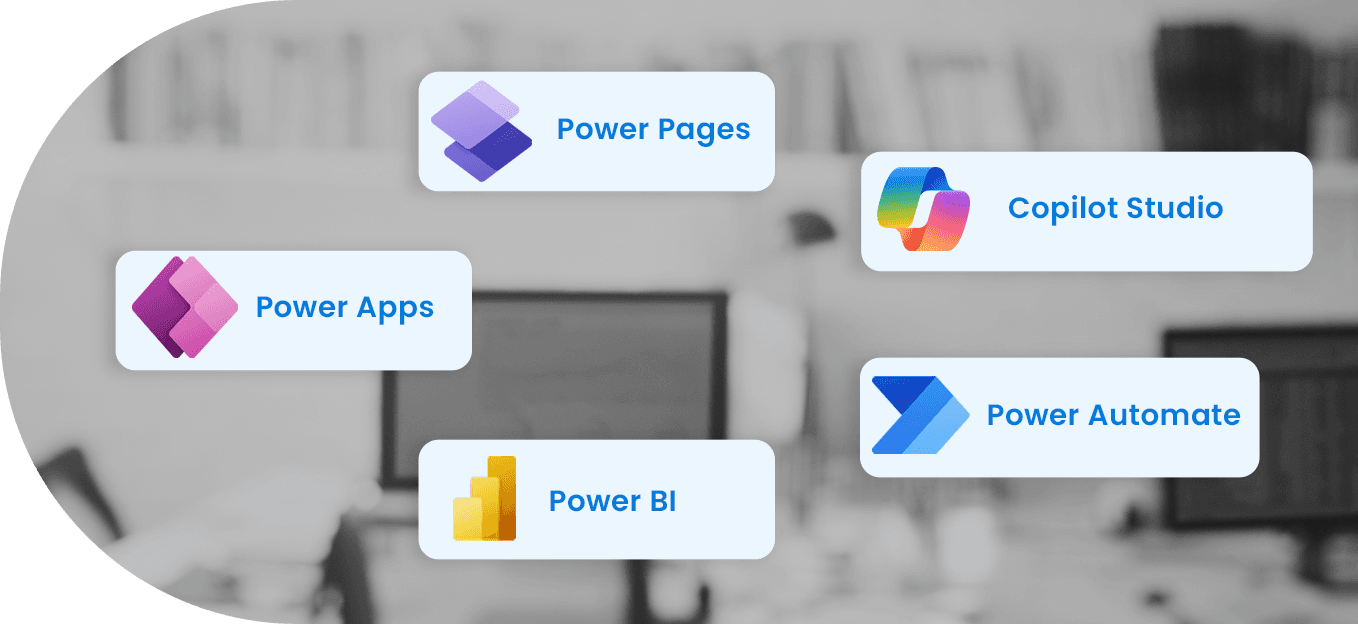
Microsoft Power Platform is a suite of low-code/no-code tools including Power BI (analytics), Power Apps (application development), Power Automate (workflow automation), Power Pages (external-facing websites), and Copilot Studio (AI assistants). Together they enable citizen development and enterprise automation.
Power Platform offers per-user and per-app licensing. Power BI Pro is $14/user/month, Premium Per User is $24/user/month. Power Apps per-user is $24/month, per-app is $5/month. Power Automate starts at $15/user/month. Volume discounts apply for enterprise agreements.
Citizen development empowers business users to build apps and automations without writing code. EPC Group establishes governance frameworks, training programs, and Center of Excellence (CoE) structures that enable safe citizen development while maintaining IT oversight and compliance.
Yes. Power Platform includes 1,000+ pre-built connectors for SAP, Salesforce, Oracle, ServiceNow, and virtually any system with an API. EPC Group builds custom connectors for legacy systems and ensures secure data flow across your enterprise.
A focused Power Apps/Power Automate solution takes 4-8 weeks. A full Power Platform CoE with governance, training, and enterprise-wide rollout takes 3-6 months. EPC Group uses agile sprints with 2-week delivery cycles for rapid value realization.
Microsoft Power Platform is a set of low-code tools. It helps users build apps, automate workflows, analyze data, and create AI assistants without extensive coding.
EPC Group focuses on designing, deploying, and managing Power Platform solutions. We work with Fortune 500 companies and clients in regulated industries.
With experience since 1997, we have successfully completed 11,000+ enterprise engagements.
Power Platform has five components. Each solves a different business problem.
We cover the full Power Platform stack from strategy to ongoing governance. Our service areas:
Ungoverned Power Platform environments create shadow IT. EPC Group implements the Microsoft Power Platform Center of Excellence (CoE) Starter Kit to give IT visibility and control.
Power Platform carries compliance certifications for regulated sectors. EPC Group configures governance policies to satisfy auditors:
Power BI is now part of Microsoft Fabric — Microsoft's unified analytics platform. This changes how enterprises license and architect analytics solutions.
Power Platform is a set of five low-code tools from Microsoft. These tools include:
All these tools use a shared Dataverse data layer. They also integrate seamlessly with Microsoft 365 and Dynamics 365.
No, Power Platform is made for low-code or no-code development. Business users, known as citizen developers, can create apps and flows without using traditional code.
Professional developers can enhance Power Platform by:
Governance is about managing who can create, publish, and share Power Platform solutions. It also involves controlling the data these solutions can access.
EPC Group utilizes the Microsoft CoE Starter Kit to give IT visibility into:
This kit includes:
Yes, Microsoft offers a Business Associate Agreement (BAA) for Power Platform. However, achieving HIPAA compliance requires careful setup. Key elements include:
EPC Group configures Power Platform for HIPAA-compliant healthcare deployments.
Power BI is now part of Microsoft Fabric. Fabric combines Power BI, Data Factory, Synapse Analytics, and real-time intelligence into a single platform on OneLake.
For enterprises that require large-scale analytics, a Fabric capacity license offers:
EPC Group quotes fixed-fee Power Apps and Power Automate projects after a scoping call, based on specialization and scope.
Ongoing governance and managed services for Power Platform start at $3,500 per month. For a scoped estimate, please call (888) 381-9725.
Talk to an EPC Group architect about your automation, analytics, or app-building needs. Call (888) 381-9725 or request a 30-minute discovery call.
AI assistant — not human