SharePoint Best Practices — Enterprise Guide 2026
In 2026, SharePoint best practices center on five main areas:
- Enterprise content management
- Collaboration
- Governance
- Intranet design
- AI integration
EPC Group has applied these practices in over 6,500 SharePoint environments since 1997.
This guide highlights patterns that lead to:
- 60% faster content discovery
- 40% fewer helpdesk tickets
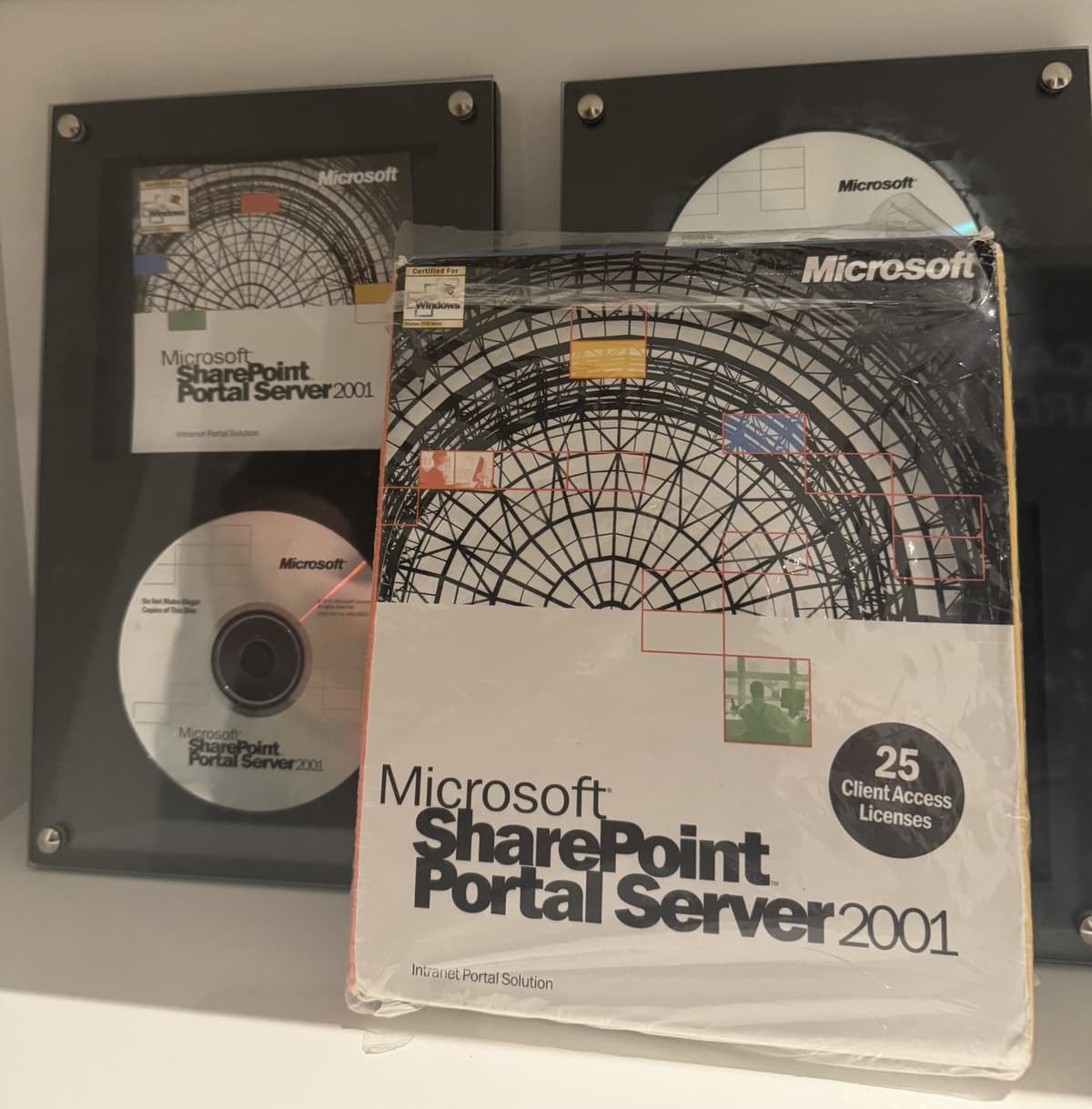
- EPC Group: Microsoft consulting since 1997 — every SharePoint version from 2001 Team Services through SharePoint Online
- Core Microsoft Solutions Partner designations — Modern Work, Security, Data & AI, Infrastructure, Digital & App Innovation, Business Applications
- 6,500+ SharePoint implementations, 11,000+ enterprise engagements
- Flat-IA migration results: 60% faster content discovery, 40% fewer helpdesk tickets, 100% sensitivity-label coverage in 90 days
- Phone: (888) 381-9725 | contact@epcgroup.net
1. Enterprise Content Management (ECM)
Poor content management creates findability failures and compliance gaps. Follow these ECM fundamentals:
- Content types — Define reusable content types in the content type hub. Apply them site-wide so metadata stays consistent.
- Managed metadata — Use the Term Store for taxonomy terms. Avoid free-text columns for values that need to be filtered or reported.
- Document lifecycle — Set creation, review, and archive stages. Use retention labels to automate disposition.
- Retention policies — Apply Microsoft Purview retention policies at the site or library level. Do not rely on users to delete files.
- Version control — Enable major and minor versioning. Set a maximum version count (50 is a reasonable default) to manage storage.
2. Collaboration Best Practices
SharePoint collaboration works best when it is structured. Use Microsoft 365 Groups as the foundation:
- Microsoft 365 Groups — Every SharePoint team site should have an M365 Group. This links the site to a Teams channel, Planner board, and shared mailbox automatically.
- Co-authoring — Store Office files in SharePoint or OneDrive, not local drives. Co-authoring requires files to be in the cloud.
- @mentions — Use @mentions in comments and news posts to notify colleagues without leaving SharePoint.
- Teams integration — Surface SharePoint document libraries as Teams tabs. Keep files in SharePoint; Teams is the conversation layer.
- Planner — Attach a Planner board to each project team site. This keeps tasks and documents in the same M365 Group context.
- Guest access — Govern external sharing with sensitivity labels and expiration policies. Audit guest accounts quarterly.
3. Governance Best Practices
Governance is what keeps SharePoint usable at scale. Without it, sprawl and orphaned sites accumulate fast.
- Site provisioning policy — Require business justification before creating a new site. Use a Power Automate approval flow, not an open self-service portal.
- Naming conventions — Define a site URL and display name standard before go-live. Retroactively renaming sites breaks links and user bookmarks.
- Ownership requirements — Every site must have at least two active owners. Orphaned sites (no active owner) become security and compliance risks.
- Access reviews — Use Microsoft Entra ID access reviews to audit group memberships quarterly. Remove stale guest accounts automatically.
- Storage quotas — Set per-site storage quotas in the SharePoint admin center. Alert site owners at 80% capacity.
4. Information Architecture — Hub-Spoke Model
Hub-spoke is the recommended information architecture for SharePoint Online in 2026. EPC Group uses one hub per business unit with five to fifteen spoke sites.
- Hub sites — Aggregate search results, navigation, and news from all associated spoke sites
- Mega-menu navigation — Replace cascading left-nav menus with a flat mega menu on the hub. Users find content in two clicks.
- Sensitivity-label sharing controls — Set sharing policies at the hub level. Spokes inherit those controls automatically.
- Flat folder structure — Eliminate deep folder hierarchies. Use metadata filters and views instead of subfolders five levels deep.
Client results after migrating to hub-spoke flat IA:
- 60% faster content discovery
- 40% fewer helpdesk tickets related to "I can't find the file"
- 100% sensitivity-label coverage in 90 days
5. Intranet Design Best Practices
Modern SharePoint intranets use communication sites, not team sites. Design for the mobile reader first.
- Home site — Designate one SharePoint site as the organizational home site. This site surfaces in Viva Connections.
- Viva Connections — Deploy Viva Connections to bring the SharePoint intranet into Microsoft Teams. Employees access it without leaving Teams.
- News posts with audience targeting — Target news to specific departments, locations, or roles. Avoid broadcasting all news to all users.
- Mega menus — Use a flat, two-level mega menu on the home site. Navigation deeper than two levels increases time-to-content.
- Page templates — Create two or three approved page templates. This enforces brand consistency without requiring designers for every new page.
6. AI Integration Best Practices
Microsoft 365 Copilot uses SharePoint as a grounding source. Poorly governed SharePoint produces poor Copilot results.
- Sensitivity labels before Copilot — Every SharePoint site and document library must have a sensitivity label before Copilot goes live. Unlabeled content can surface to unauthorized users through Copilot responses.
- Restrict oversharing — Audit "Everyone except external users" permissions. Remove this group from sensitive sites before enabling Copilot.
- SharePoint search configuration — Copilot uses the SharePoint semantic index. Exclude irrelevant or outdated content from indexing using site exclusion policies.
- Agents and Copilot Studio — Build scoped agents in Copilot Studio that query specific SharePoint libraries. This limits Copilot to authorized content for each business function.
SharePoint Migration Best Practices
Most SharePoint environments have legacy content that needs cleanup before migration. EPC Group uses two primary migration tools:
- ShareGate — Best for permission preservation and granular reporting. Ideal for migrations under 10 TB.
- AvePoint Migrator — Best for large enterprise migrations with compliance chain-of-custody reporting.
Pre-migration best practices:
- Delete or archive content not accessed in 18+ months
- Flatten folder hierarchies before migrating — do not replicate old folder trees
- Validate permissions at source; do not assume they are correct
- Run a pilot migration on a non-critical library first
Frequently Asked Questions
What is the most important SharePoint best practice in 2026?
Governance before sprawl. The single biggest SharePoint failure pattern is site sprawl — hundreds of sites with no owners, inconsistent permissions, and no retention policies.
Establish a governance framework before you allow self-service site creation. Define who can create sites, what naming conventions apply, and who is accountable for each site.
Should we use folders or metadata in SharePoint?
Use metadata instead of deep folder structures. While folders are common, they can obscure content from search and complicate permissions.
Metadata columns enable users to:
- Filter content easily
- Sort information without accessing nested folders
For effective organization, follow these guidelines:
- Use one or two folder levels for basic organization.
- Rely on views and filters for everything else.
How do we prevent SharePoint sprawl?
Three controls work together to manage site requests effectively:
- First, require a business justification for new site requests by using a Power Automate approval flow.
- Second, enforce a minimum of two active site owners for each site.
Third, conduct quarterly access reviews. These reviews will identify sites with no active owner and no activity in the last 90 days. After confirmation, delete or archive those sites.
What is a hub site and when should we use one?
A hub site is a SharePoint site that brings together navigation, search, and news from related spoke sites.
It is important to create a hub site for each major business unit or division.
Connect team sites and communication sites to the hub as spokes. This arrangement makes the hub site the main starting point for that business unit's SharePoint experience.
How should we prepare SharePoint for Microsoft 365 Copilot?
There are three essential steps to follow:
- Apply sensitivity labels to every site and library. Unlabeled content can overshare through Copilot.
- Audit and remove "Everyone except external users" permissions from sensitive content.
- Configure the SharePoint semantic index exclusions to prevent Copilot from showing stale or irrelevant content.
How long does it take to implement SharePoint best practices in an existing tenant?
EPC Group's governance assessment lasts two weeks. For a mid-market tenant with 500 to 5,000 seats, implementing the full hub-spoke architecture and sensitivity-label structure typically involves:
- Identifying key stakeholders
- Assessing current governance practices
- Designing a tailored governance framework
Achieving full Copilot readiness, which includes semantic index tuning, requires an additional 30 days.
Work With EPC Group
EPC Group has applied SharePoint best practices in over 6,500 environments. Our team has experience with every SharePoint version since 2001. We provide:
- Proven governance frameworks
- Migration tools
- Intranet design patterns
These resources enhance every engagement we undertake.
- SharePoint governance framework design
- Hub-spoke information architecture
- Intranet design and Viva Connections deployment
- Migration from legacy SharePoint or file servers
- Copilot readiness — sensitivity labels, permissions audit, semantic index
- Managed SharePoint administration
Call (888) 381-9725 or visit epcgroup.net/contact to schedule a SharePoint best-practices assessment.